Withdrawal Limits & How Long It Takes
fb77vip processes withdrawal requests quickly. Under normal conditions, funds reach your bKash or Nagad wallet within 7 minutes of approval. First-time withdrawals go through a brief manual check; that can take up to 1 hour while KYC is confirmed.
| Rule | Amount / Time | Notes |
|---|---|---|
| Minimum withdrawal | ৳1,000 | Per single request |
| Daily withdrawal cap | ৳2,50,000 | Resets at midnight (UTC+06) |
| Standard processing time | ~7 minutes | After request is approved |
| First-ever withdrawal | Up to 1 hour | KYC check runs in parallel |
| Wagering requirement on bonuses | 10× | Applies to bonus funds only |
| KYC document review | Up to 24 hours | Usually faster during business hours |
VIP members get higher daily limits. At VIP 4 and above the daily cap rises well beyond ৳2,50,000. Check the Bonus & VIP page for your tier's exact figure.
How to Submit a Withdrawal Request
The process is the same whether you use the browser version or the fb77vip app. All five steps below take under three minutes once your account is verified.
-
1
Log in to your account
Go to fb77vip Login and enter your mobile number and password. If you have two-step verification turned on, approve the OTP first.
-
2
Open the Cashier section
Tap the wallet icon in the top menu, then select Withdraw. The cashier panel loads with your current available balance shown.
-
3
Choose a payment method
Select bKash, Nagad, Rocket, or Bank Transfer. Enter the mobile wallet number or bank account details you want funds sent to.
-
4
Enter the withdrawal amount
Type any amount from ৳1,000 up to your remaining daily allowance. The form will flag it immediately if the amount falls outside permitted limits.
-
5
Confirm and wait
Review the summary screen, then tap Confirm Withdrawal. You will receive an SMS or in-app notification once funds are sent — typically within 7 minutes.
Which Payment Methods Can You Withdraw To?
fb77vip supports four withdrawal channels. Processing times are the same across all of them once a request is approved.
-
bKash
Mobile wallet · Funds arrive in ~7 min
Deposit also: ~6 min -
Nagad
Mobile wallet · Funds arrive in ~7 min
Deposit also: ~6 min -
Rocket
Mobile wallet · Funds arrive in ~7 min
Deposit also: ~6 min -
Bank Transfer
Any scheduled bank · Processing ~7 min
Bank clearing may add extra time
The wallet number you withdraw to must match the name on your fb77vip account. Sending to a third-party number will cause the request to be rejected automatically.
Why Does fb77vip Ask for KYC?
KYC — Know Your Customer — is a standard identity check that fb77vip runs before releasing your first withdrawal. It confirms you are who you say you are, that you are 18 or older, and that the payment details belong to you. It also protects your account against fraud.
You only need to pass KYC once. After approval, all future withdrawals go straight through without any document re-submission.
When to do it: KYC must be completed before your first withdrawal. You can submit documents at any time after registration — doing it early means no delays when you first want to cash out.
What Documents Does fb77vip Accept?
Any one of the three documents below is enough. You do not need to submit all three — pick whichever is easiest for you to photograph clearly.
-
National ID Card (NID) Both sides required. The most common option for Bangladeshi players.
-
Passport Photo page only. Must be valid and not expired.
-
Driving Licence Front face only. Name must match your fb77vip account exactly.
Photo requirements for KYC documents
Poor image quality is the most common reason a KYC submission fails. Follow these rules when photographing your ID:
- Shoot in good natural or indoor lighting — no shadows across the text.
- Lay the document flat; do not hold it at an angle.
- All four corners must be visible inside the frame.
- Text and photo on the document must be sharp enough to read.
- File format: JPG or PNG, maximum 5 MB per image.
- No editing, cropping, or filters — submit the original photo.
How fb77vip handles your data
Your documents are encrypted at rest and used only for identity verification. fb77vip does not share personal data with third-party marketing companies. After verification is complete, document images are retained only as long as required by platform compliance rules.
How to Upload Your KYC Documents
The upload flow is built into your account dashboard and takes about two minutes. You can do it from a phone or a desktop browser.
-
1
Go to Account Settings
After logging in, tap your profile icon in the top-right corner and choose Verification from the dropdown menu.
-
2
Select your document type
Choose National ID Card, Passport, or Driving Licence. The form adjusts to show you exactly which sides to upload.
-
3
Upload the photos
Tap the upload boxes and choose your saved photos, or use your phone camera to take a fresh picture. Check the preview — all text should be clearly readable.
-
4
Submit for review
Tap Submit Documents. You will see a confirmation screen. The review team will respond within 24 hours; most submissions are cleared much faster.
You will get a notification once KYC is approved. If your submission is rejected, the message will explain exactly what needs correcting — usually a re-upload of one clearer photo is all it takes.
Why Withdrawals Get Rejected — and How to Fix Them
Most rejection reasons are straightforward to resolve. The table below covers the common ones along with the fix for each.
| Reason for Rejection | What It Means | Fix |
|---|---|---|
| KYC not completed | First withdrawal submitted before documents were approved | Complete KYC upload and wait for approval, then re-request the withdrawal |
| Wallet name mismatch | The bKash/Nagad number belongs to a different name | Use only accounts registered in your own name |
| Unmet wagering requirement | Bonus funds have not yet been played through 10× before withdrawal | Check your bonus progress in the wallet section; keep playing until the requirement clears |
| Amount below minimum | Request was for less than ৳1,000 | Adjust to ৳1,000 or above |
| Daily limit exceeded | Total requests for the day already reached ৳2,50,000 | Wait until midnight (UTC+06) for the limit to reset, then resubmit |
| Blurry or incomplete ID photo | KYC document image could not be read during review | Retake photos in good light, ensuring all corners and text are sharp, then resubmit |
| Inactive balance | Funds have not been wagered at all after a deposit | Place at least one real-money bet before requesting a withdrawal |
If your withdrawal is stuck for more than 15 minutes after submission, contact fb77vip support via 24/7 Live Chat or email [email protected]. Have your transaction reference number ready.
Questions Players Ask About Withdrawals
How long does a fb77vip withdrawal actually take?
Standard withdrawals are processed in approximately 7 minutes once approved. Your very first withdrawal can take up to 1 hour because the KYC check runs alongside it. After that, all subsequent requests go through the standard 7-minute flow.
What is the minimum amount I can withdraw from fb77vip?
The minimum single withdrawal is ৳1,000. There is no limit on how many requests you make in a day, as long as the total does not exceed ৳2,50,000 within a 24-hour period.
Do I have to verify my identity every time I withdraw?
No. KYC is a one-time process. Once your documents are approved, you will not be asked to submit them again unless fb77vip's compliance team has a specific reason to request a re-verification — which is uncommon.
Can I withdraw to a friend's bKash number?
No. The mobile wallet or bank account you withdraw to must be registered in the same name as your fb77vip account. Withdrawals to third-party accounts are rejected automatically for security reasons.
I uploaded my NID but it was rejected. What went wrong?
The most common reasons are: the photo is blurry, one or more corners of the card are cut off, or there is a shadow across the text. Retake both sides of your NID under bright, even lighting. Lay the card flat on a dark background and ensure the full card is in frame before submitting again.
What happens to the bonus wagering requirement when I withdraw?
fb77vip applies a 10× wagering requirement to bonus funds. If you have an active bonus, you need to wager the bonus amount 10 times before those funds can be withdrawn. Your real-money deposits are always available to withdraw independently of any bonus activity, subject to the minimum withdrawal amount and standard KYC rules.
Is there a fee for withdrawing from fb77vip?
fb77vip does not charge its own withdrawal fee. Your mobile wallet provider (bKash, Nagad, Rocket) may apply their own transfer charges per their standard terms. Bank Transfer may also carry a small bank-side fee depending on your bank.
Can I use the fb77vip app to withdraw on my phone?
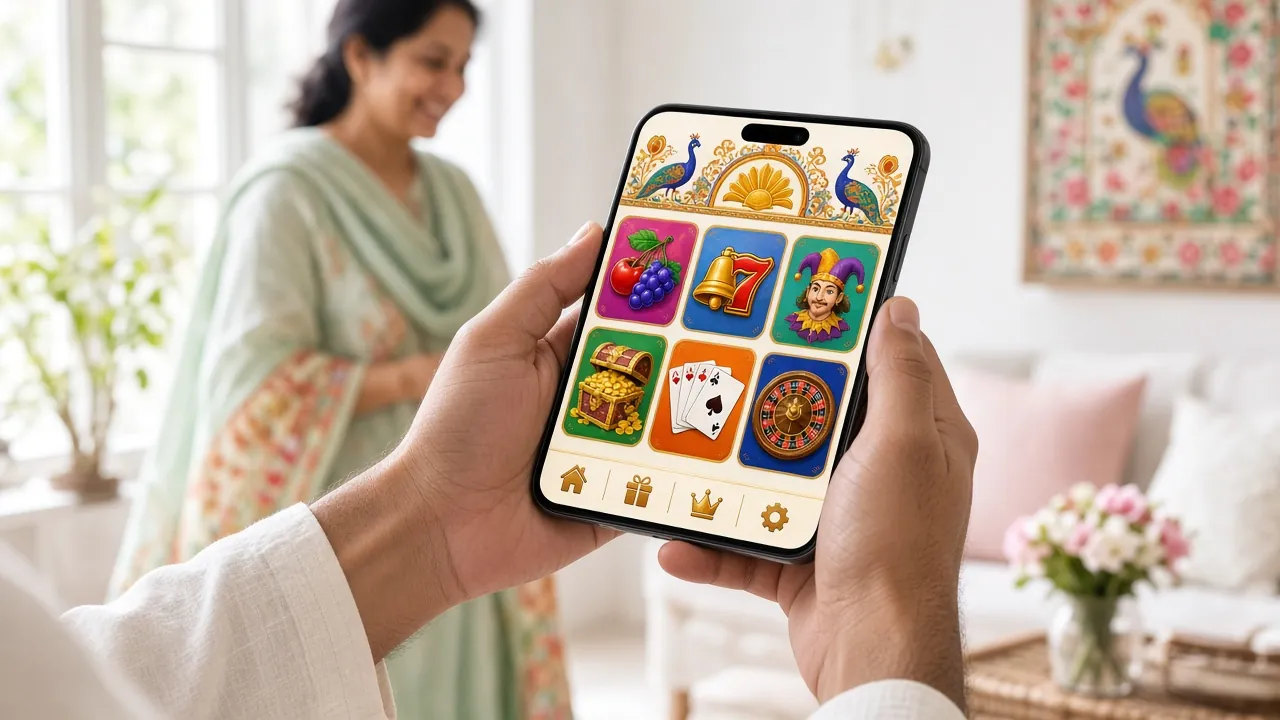
Yes. The withdrawal and KYC flows are fully available inside the fb77vip app. The app (version 2.6.3, 32 MB, Android 6.0 and above) gives you the same cashier experience as the desktop browser. Download it from the App page.
Ready to open an account?
Register on fb77vip, complete KYC once, and your withdrawals will process in minutes every time — straight to bKash or Nagad.